Setting up integration
To enable integration with Zoho CRM:
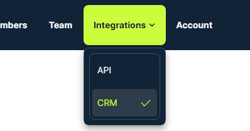
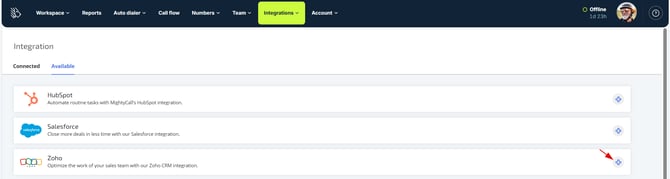
- When in your MightyCall account, navigate to Integrations → CRM → Available and click Install.
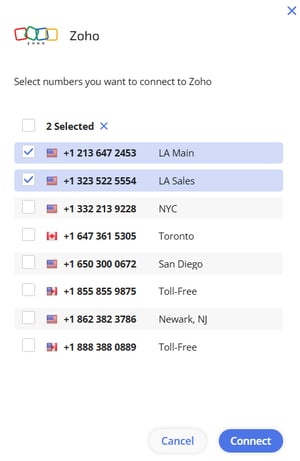
- Here, choose the business numbers you would like to connect to Zoho. You may skip this step, as you can always set them up under the Integrations tab afterwards.
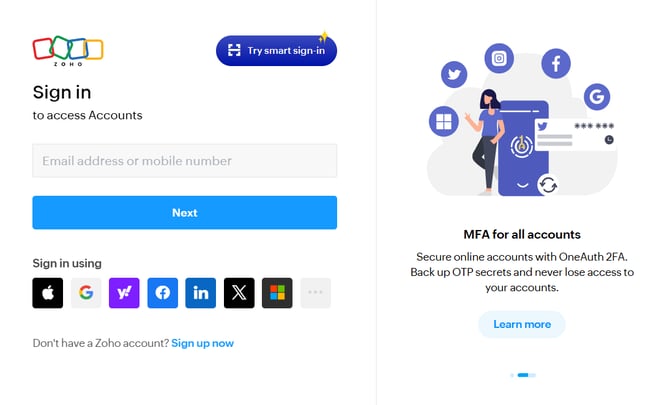
- Log in to the CRM using your Zoho credentials.
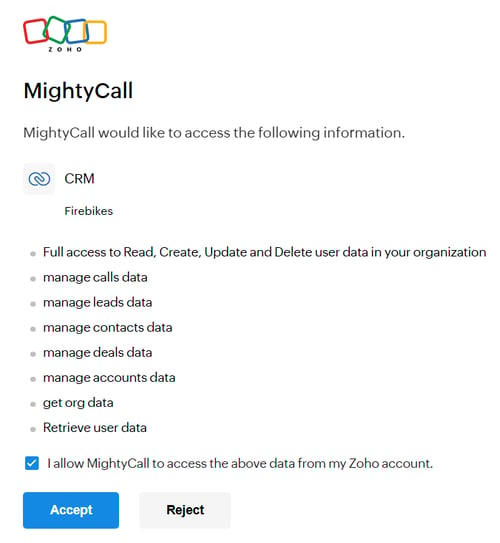
- Confirm you want to connect the MightyCall app to your Zoho account.
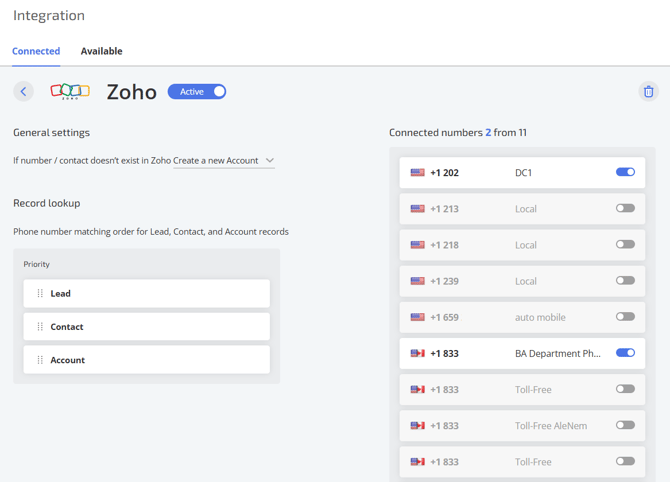
- That’s it. Enjoy the integration! Once connected, the integration will have its own tab in your account under Connected. There, you can modify your integration settings.

Enabling/disabling & deleting integration
By default, when the integration is up and running, you will see the status as Active:
 You can disable/enable the integration at any time by using the toggle in the integration settings:
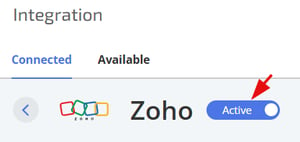
Please note that if you switch the integration to Inactive, no calls data will be transferred to Zoho, neither you will be able to process calls through the CRM. However, the integration will not be deleted, and you still will be able to modify the settings.
To delete the integration, just click on the bin icon under the Connected tab:

Please note that in this case, all the settings of your integration will be lost. Yet, all the calls will remain in your Zoho CRM account, as deleting the integration only affects your MightyCall account.
Managing linked business numbers
This block represents a list of your business numbers that you may connect to Zoho by toggling the switch. You don’t have to click anything like Save changes, the toggle itself is enough.
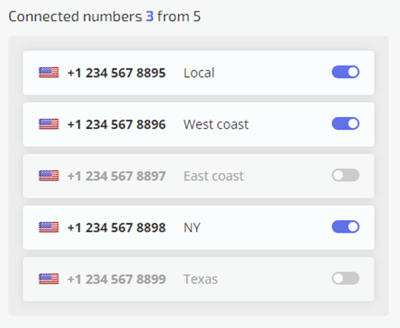
Please note that if a business number is not linked to Zoho, there will be no data about the incoming/outbound calls on this number in your Zoho CRM.
Integration settings
At the moment, we have the following integration settings:
-
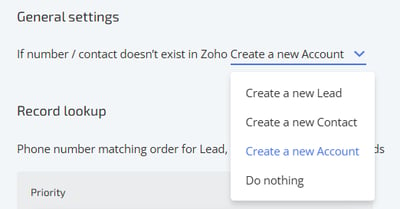
The type of CRM records we should create if the number or contact doesn’t exist in CRM: create a new Lead, Contact, Account or do nothing:
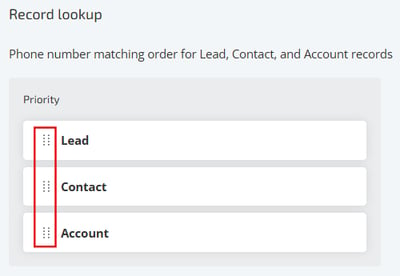
- the order in which we should look up the records in Zoho (click and drag to change it):